MPE performance
Per-note pitch, pressure, and slide for synths that understand MPE.
GLIDE MPE Controller
Play notes, pressure, slide, pads, and performance controls from one tablet surface. GLIDE is built for expressive synth work without adding another dedicated hardware surface.
MPE Zone
Lower zone
Global Channel
1
Note Channels
2-16
Pitch Bend
48 semitones
Slide
CC74
Pressure
Channel pressure
Per-note pitch, pressure, and slide for synths that understand MPE.
Keyboard, pads, harmony, arp, XY/XYZ, and macro views for different parts of a track.
Works as a MIDI input in MPE-capable hosts. Bitwig users can use the included controller script.
GLIDE puts the controls used during a take on screen: note entry, pressure, slide, harmony, pads, macros, and larger movement surfaces.
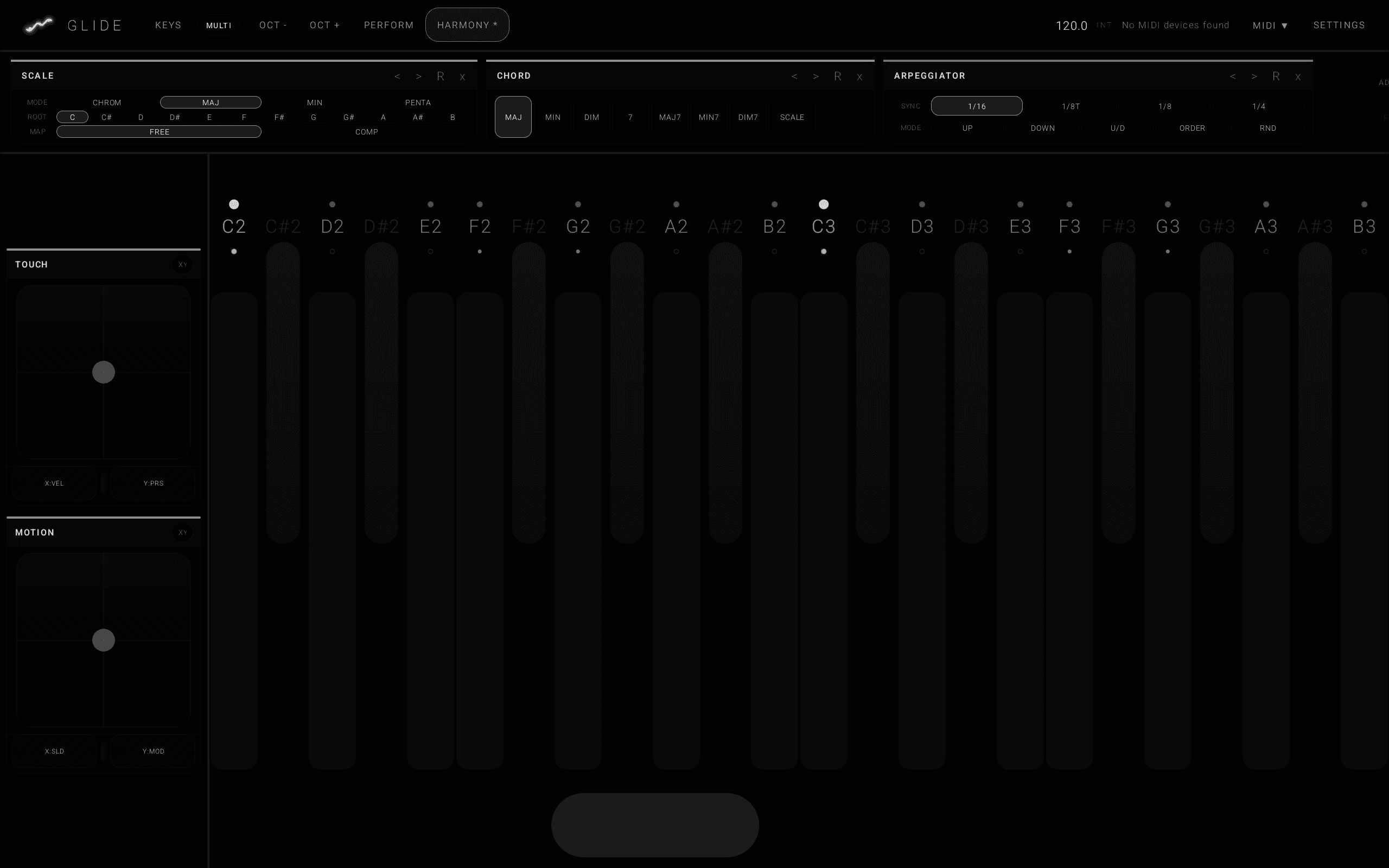
Notes, scale control, chord tools, and performance controls in one view.
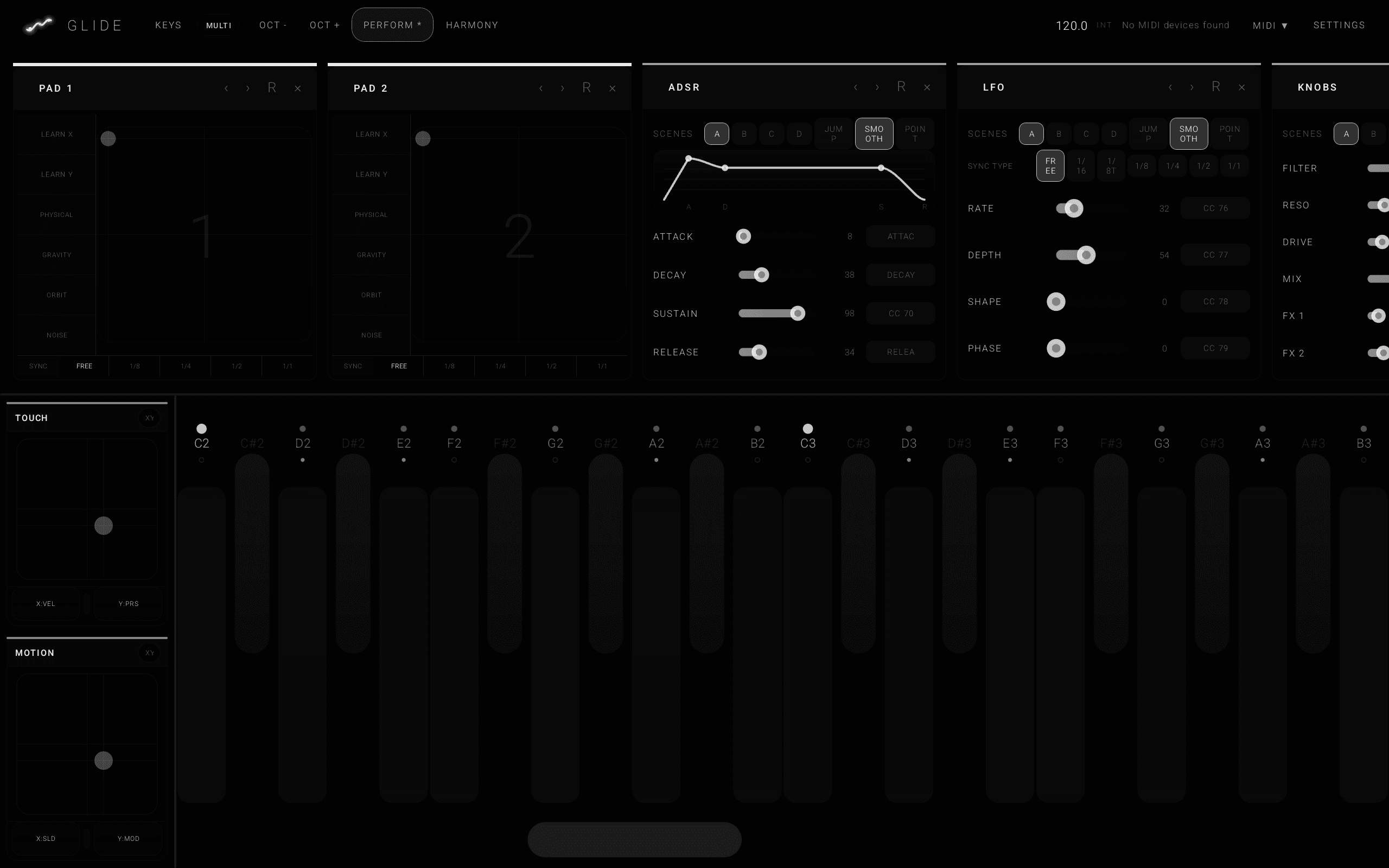
Pads, envelopes, LFO controls, and macros for changing a sound while playing.
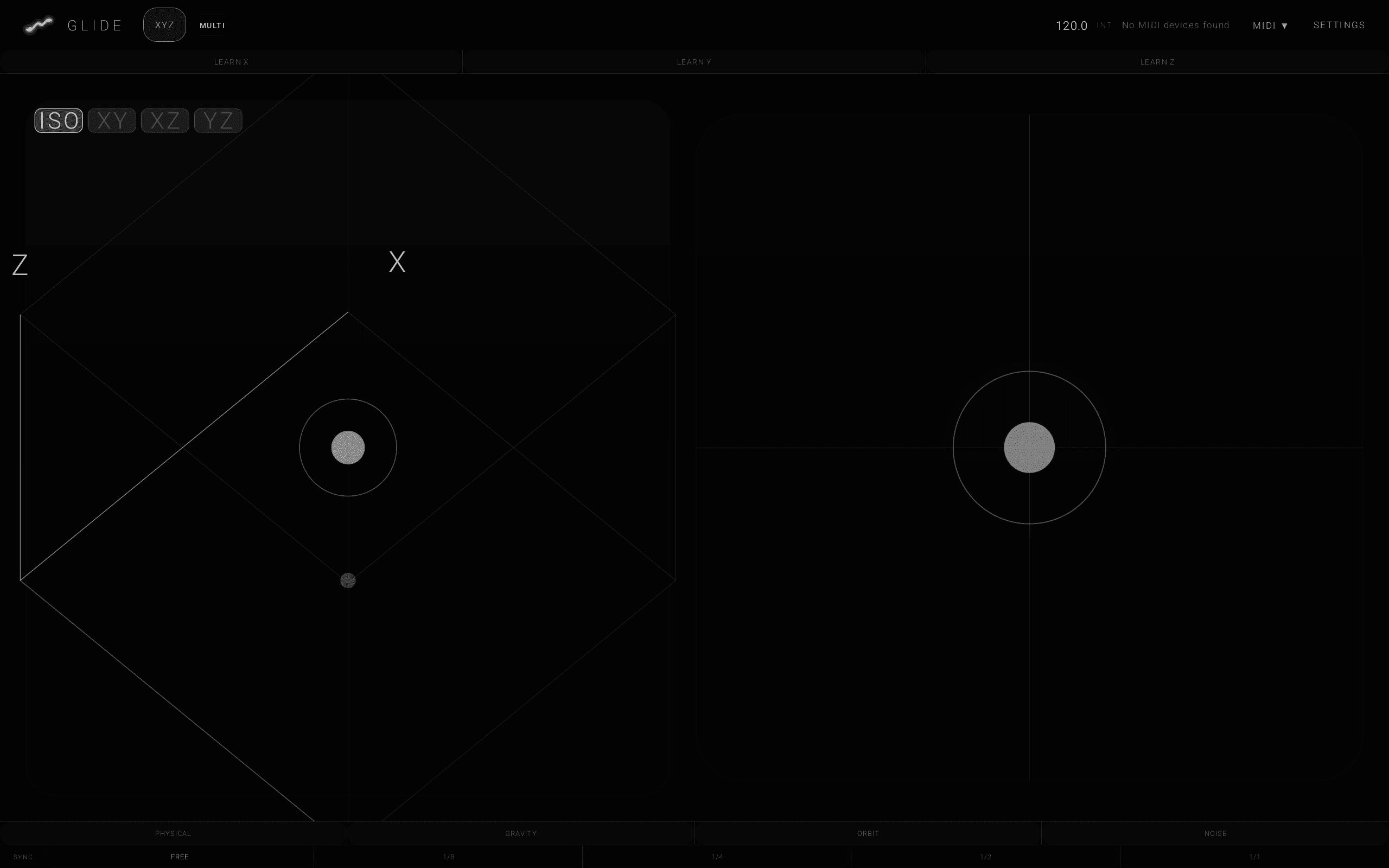
Large touch zones for pressure, movement, and modulation gestures.
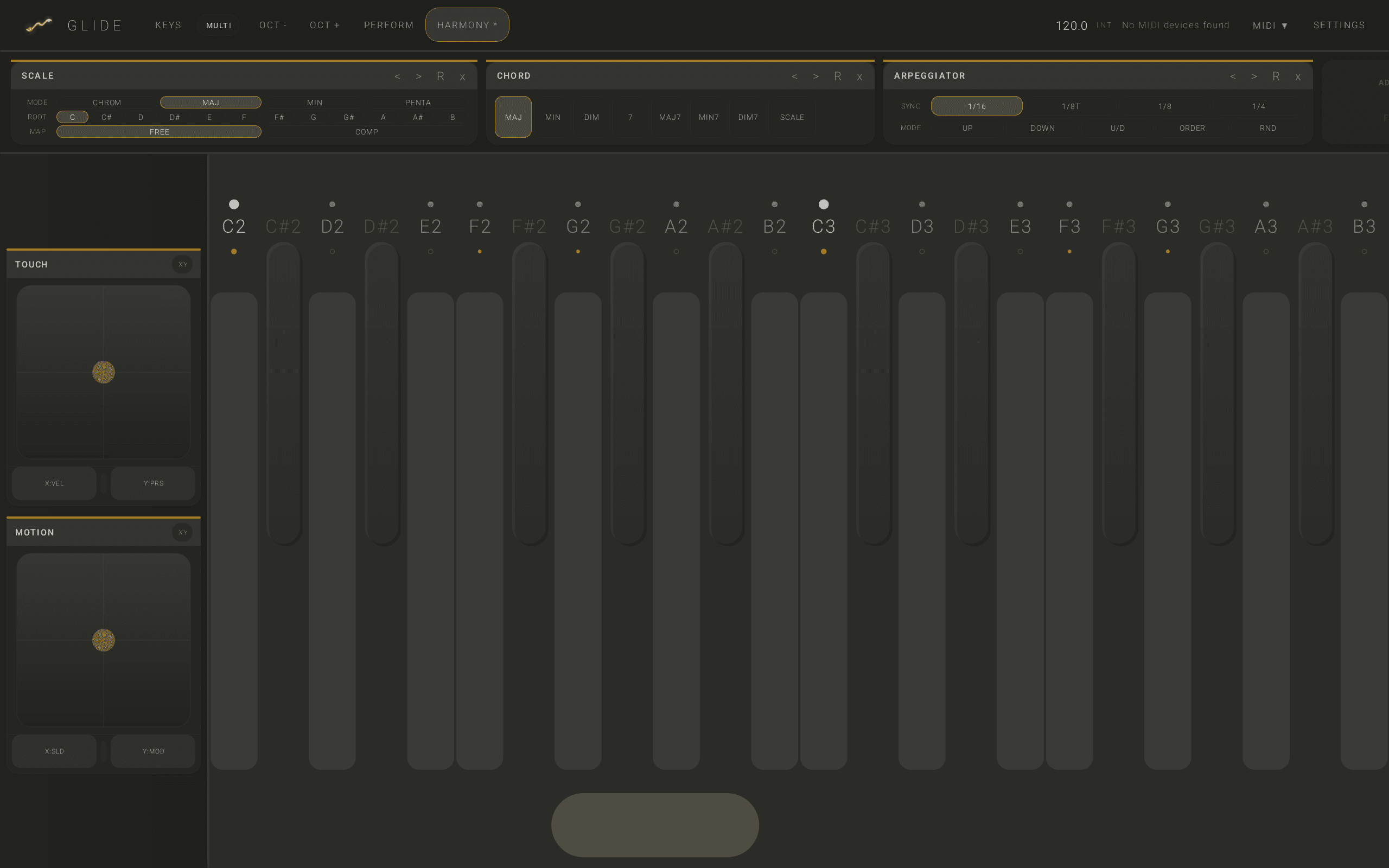
A dark stage-friendly view for keyboard and performance control.
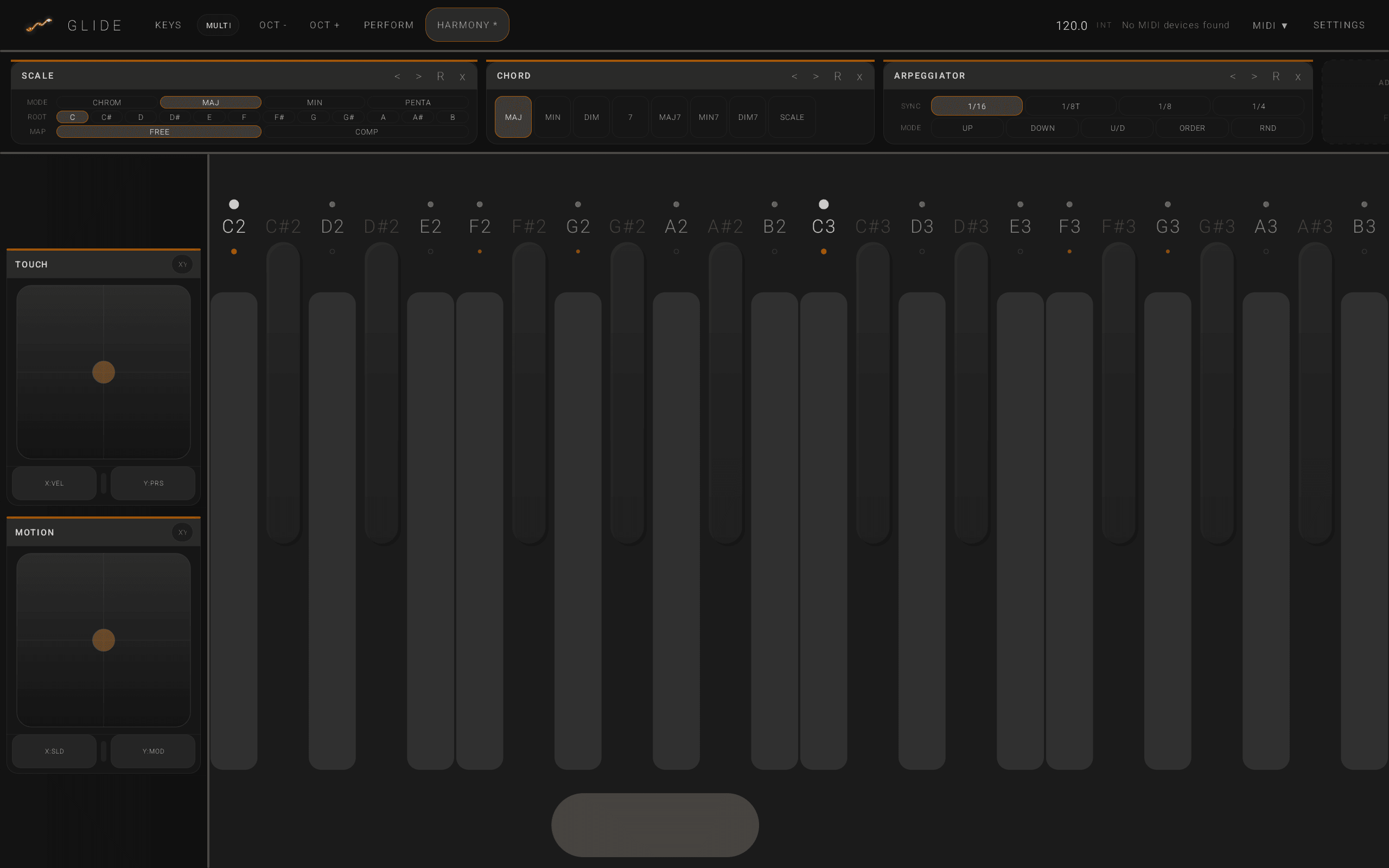
A Bitwig-focused layout with the same MPE performance model.
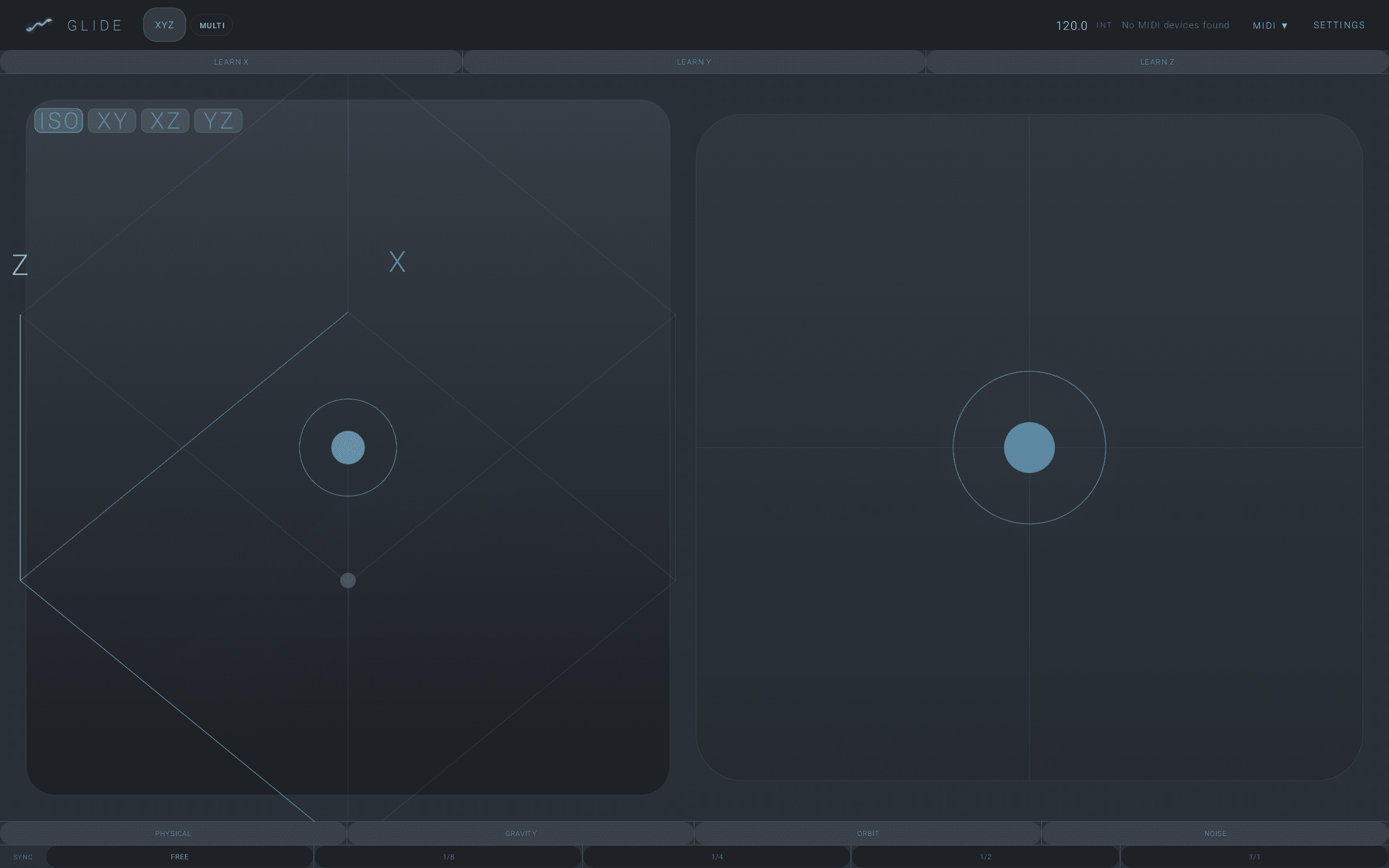
XYZ control and note-expression style performance for Cubase sessions.
GLIDE sends lower-zone MPE: channel 1 for global messages, channels 2-16 for notes, pitch bend at 48 semitones, slide on CC74, and pressure as channel pressure.
Enable MPE for the GLIDE MIDI input, then use an MPE-capable Live instrument or plug-in.
Use the included controller script or add GLIDE as an MPE/all-channel input. The script includes Android's common "MIDI Function" USB name.
Use Cubase's Note Expression/MPE input setup so pitch bend, pressure, and CC74 stay attached to the note.
Add GLIDE as a keyboard-style MIDI input. For MPE instruments, keep the track or device input open to the original MIDI channels where the host exposes that setting.
A no-cost test path: Waveform Free as the host and Vital Basic as the synth. Confirm your host build is preserving MPE channel data.
The script makes Bitwig treat GLIDE as an expressive MIDI controller and includes the generic Android USB name that often appears as MIDI Function.
Place the file in Bitwig's Controller Scripts folder, restart Bitwig, then add GLIDE MPE from controller settings.
loadAPI(1);

host.defineController(
   "Berg Instruments",
   "GLIDE MPE",
   "1.1",
   "f7b37b68-62a4-4d7f-b0c8-2c5c1af0d9fd",
   "Berg Instruments"
);

host.defineMidiPorts(1, 1);

// Android often exposes USB MIDI devices under the generic interface name
// "MIDI Function". Keep the GLIDE-specific names too for virtual MIDI and
// future firmware/app naming, but prefer the tablet's real-world name first.
host.addDeviceNameBasedDiscoveryPair([ "MIDI Function" ], [ "MIDI Function" ]);
host.addDeviceNameBasedDiscoveryPair([ "GLIDE MPE Performance Out" ], [ "GLIDE MPE Clock In" ]);
host.addDeviceNameBasedDiscoveryPair([ "GLIDE MPE" ], [ "GLIDE MPE" ]);
host.addDeviceNameBasedDiscoveryPair([ "MIDIPolyphonicExpressionApp" ], [ "MIDIPolyphonicExpressionApp" ]);

var noteInput = null;
var midiIn = null;
function init()
{
   midiIn = host.getMidiInPort(0);

   midiIn.setMidiCallback(onMidi);
   midiIn.setSysexCallback(onSysex);

   // Match Bitwig's bundled ROLI/Joue MPE scripts: let the expressive note
   // input see the complete stream so note, pressure, slide, and per-channel
   // pitch bend stay grouped as MPE note expressions.
   noteInput = midiIn.createNoteInput("GLIDE MPE", "??????");
   noteInput.setShouldConsumeEvents(false);

   // Lower-zone MPE: master channel 1, member channels 2-16.
   // Keep this pitch range aligned with the Android app MPE bend range.
   noteInput.setUseExpressiveMidi(true, 0, 48);

   host.showPopupNotification("GLIDE MPE ready - use the MIDI Function input");
}

function flush()
{
}

function onMidi(status, data1, data2)
{
}

function onSysex(data)
{
}

function exit()
{
}